


Is your Instagram feed overflowing with accounts you barely recognize? We’ve all been there! That’s where “auto unfollow on Instagram” comes in.
It sounds like a dream come true for cleaning up your follow list, right? Hold on a sec, though! Before you hit the auto-unfollow button, let’s chat about these tools.
I’ll explore how they work, uncover any potential pitfalls, and discover the best (and safest) way to manage your Instagram crew!
What Is Auto Unfollow on Instagram?
Auto-unfollow on Instagram refers to using tools or services to automatically unfollow other accounts you previously followed.
Here are some reasons why someone might use auto-unfollow on Instagram:
- Clean Up Following List: It can help you unfollow inactive Instagram accounts or those you no longer find interesting, keeping your feed focused.
- Manage Following-to-Follower Ratio: Some users aim for a specific follower-to-following ratio and use auto-unfollow to maintain that balance.
How to Auto Unfollow Instagram Accounts?
There isn’t a built-in auto-unfollow feature within the official Instagram app. So, you need to use auto unfollow Instagram apps, online tools, bots, or Chrome extensions.
Let’s explore some auto unfollow tools for Instagram, how they work, and their potential dangers.
Hyper IBF: Auto unfollow Instagram online tool
Hyperibf is an online automation tool for Instagram to auto follow, unfollow, like, and DM.
To use this tool, you need to add your Instagram account, select account settings, adjust speed options, and utilize advanced filters.
The good part is that you can define the min and max number of accounts to unfollow plus the times during which you want to unfollow.
But, it’s on you to track Unfollowers and those who don’t follow you back and it’s quite tricky and time-consuming.
Massi: Mass unfollow for Instagram: Free auto unfollow app for IG
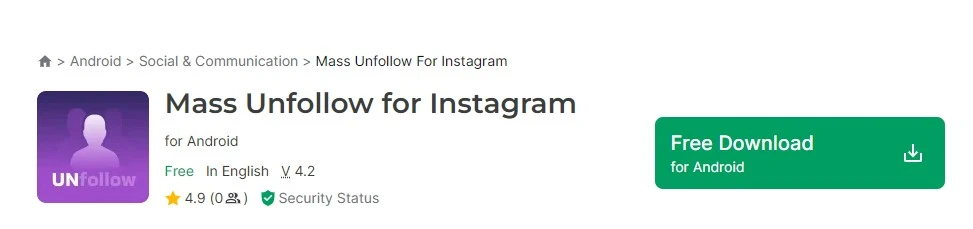
This free Android app allows you to view a list of users who are not following you and then unfollow them automatically.
The app is available on the Google Play with 3.5 stars. It also has in-app purchases.
Unhappy customers complain about displaying ads and inaccurate information. However, some happy users believe the “base whitelist feature is plenty enough”.
Followers Pro for Instagram: Auto unfollow Chrome extension

This auto follow-unfollow extension allows you to unfollow those who don’t follow you back. This is done by customizing the number of people and the frequency of unfollowing.
However, this tool only unfollows 144 users per day to follow Instagram terms. Followers Pro has 4.8 stars out of 102 ratings.
GrowBot: Instagram unfollow bot
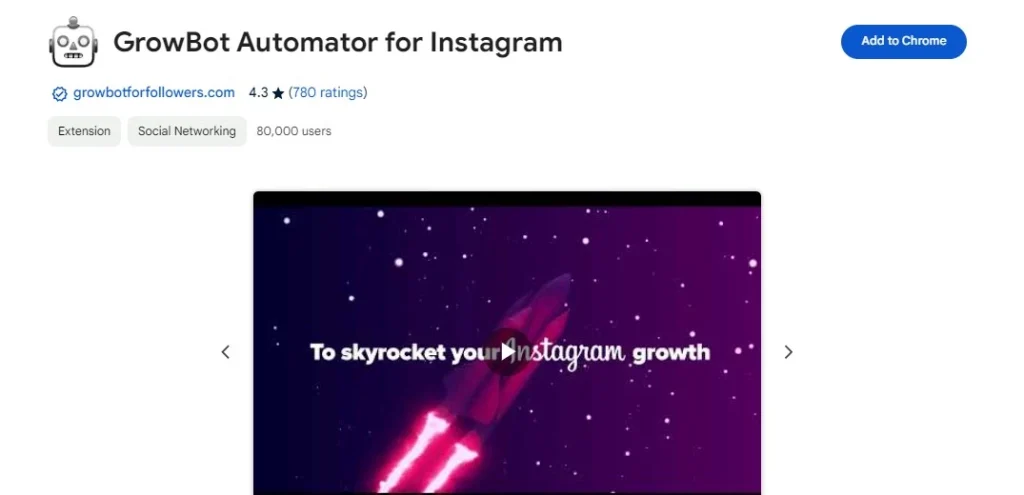
GrowBot is another automation Chrome extension for Instagram to like, follow, and unfollow.
This bot removes spammy users and unfollows accounts based on different filters like how long ago you followed them. Other features include:
- Like media from a hashtag
- Show a list of users who like and comment on your posts
- Filters to only interact with accounts that match your criteria
- Customizable delays and limits between actions to prevent Instagram rate limits and blocks, with randomized timing
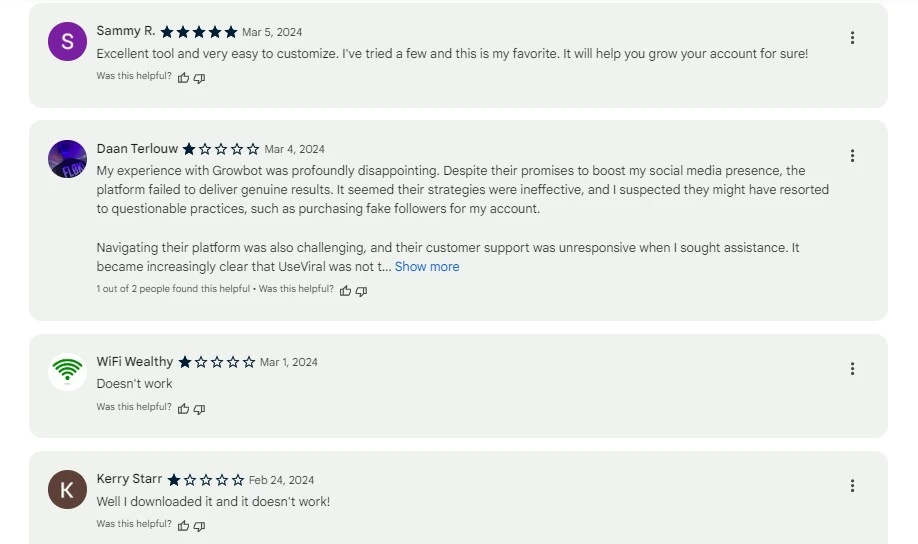
This bot has received 4.3 from 780 ratings with both happy and unhappy users.
Followers Clean for Unfollower: iOS free auto unfollow

Followers Clean is a mass unfollow app for iPhone users with mass follow and mass delete likes features.
It’s free but to access advanced widgets and features you need to pay the subscription fee. For example, you can get weekly reports of your followers/following changes.
Happy customers are usually satisfied with the app’s ease and quickness of use. However, dissatisfied users say it doesn’t work at all!
Are Instagram Auto Unfollow Tools Safe?
Usually, Not.
Well, auto unfollow Instagram tools might seem like a quick fix for managing your followings. But they can be risky, here’s why:
Security risks: Some tools require your cookies. Sharing your session cookie with any third-party tool carries an inherent security risk.
If the tool gets compromised, your login credentials could be stolen and used to access your Instagram account.
Violation of Instagram rules: Instagram is against any third-party tool that performs actions on your account. Many apps have been cracked down in the past years.
Shadowbanning: Instagram uses automated systems to detect suspicious activity. Excessive unfollowing through a tool might trigger these systems and lead to a shadowban.
This means your content won’t be shown to your followers as readily, hindering your reach.
Accidental Unfollows: Even the best Instagram unfollow apps might not be perfect and could accidentally unfollow accounts you actually want to keep.
This can damage relationships with friends, followers, or business contacts.
A safe alternative to auto unfollow Instagram accounts
Although auto unfollow Instagram tools seem fast, they’re not effective and safe. But that doesn’t mean you can’t mass unfollow Instagram accounts you want.
There’s a manual automation and bot-free tool (AiGrow) that tracks unfollowers and unfollows them in bulk. Let’s find out why AiGrow is your best option to unfollow on Instagram.
- It’s managed by a dedicated account manager. You don’t need to spend time and effort.
- Your account manager identifies unfollowers based on advanced algorithms (no random unfollowing) and provides you with an exact list (Excel).
3. Everything is according to Instagram’s terms of service. No risk of getting banned,
4. You’ll be in contact with the manager via WhatsApp.
5. You’re free to cancel your subscription at any time.
6. Remember; AiGrow is a legit Instagram growth service with many features like content creation, scheduling posts, and Mass DMs, not a simple bot or app.
How to unfollow on Instagram with AiGrow?
AiGrow offers two different packages: Unfollowers Tracker and Mass Unfollow. You can buy one or both packages through the following steps:
- Sign up for free and add your IG account to the dashboard.
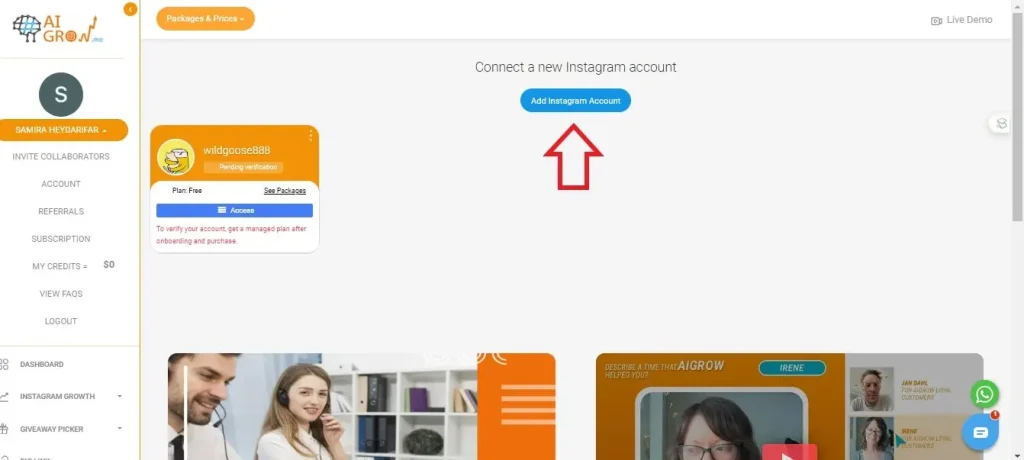
2. Once you’re in the dashboard, open Packages and Prices on the top and select Unfollow Plans
3. Now, pick your package and tap Buy Now!
4. After payment is processed, you’ll have an onboarding session with your account manager.
5. If you purchase the Unfollowers Tracker package, right after the meeting, your manager will extract a list including clickable accounts and notify you to download it.
6. With Mass Unfollow Plans, between 3k to 6k accounts will be unfollowed in bulk.
Bottom Line
Mass unfollowing on Instagram is not complicated but still effective and necessary. However, auto unfollow Instagram tools are not the best options as they put your account at risk.
Instead of Instagram unfollow bots and apps that might randomly unfollow accounts, a safe and manual tool helps you track those whom you must unfollow and then remove them in bulk.
Auto Unfollow on Instagram: FAQs
Here are a few common questions regarding the topic:
Can you do a mass unfollow on Instagram?
Based on Instagram limits, you can unfollow about 10-30 accounts per hour and 150 per day. But you can’t unfollow them at once.
Can Instagram unfollow by itself?
No, Instagram doesn’t unfollow accounts by itself.
How to automatically unfollow everyone who doesn’t follow you back on Instagram?
To see who doesn’t follow you back on Instagram and remove them, you need third-party apps and tools like AiGrow, InstaFollow, and FollowMeter.
 Summarize this article with:





