


Instagram posts are any content that users share on Instagram. They can be in the form of a photo, video, carousel, story, or IGTV. Moreover, Instagram users use the posts for different reasons like sharing fun moments or even advertising.
To share the posts on Instagram, there are standard sizes that aren’t fixed and change over time like Instagram’s other features.
If you want to have a perfect post on Insta, you need to know these sizes. But that’s not enough. You can also use useful apps that can help you resize and edit your Instagram post. Below, we’ll find out Instagram post sizes for different formats. We’ll also share some handy apps to adjust the image size for Instagram.
Instagram Post Size: In-feed Photos
The ideal dimension for Instagram image size is different depending on the direction.
- landscape photos: 1080*566 pixels
- Portrait photos: 1080*350 pixels
- Square photos: 1080*1080 pixels
The Instagram post size ratio for in-feed images is between 1.91:1 and 4:5. To have the best fit, you can upload images with 1080 widths. However, if you share images with a smaller or bigger aspect ratio, Instagram will crop your pictures.
Instagram Post Size: Images for Story
Unlike in-feed posts, stories give you more freedom to choose the dimensions. The Instagram picture size for a story image is 1080*1920 pixels which can fill up the full space.
The recommended aspect ratio is 9:16. if you use pictures with smaller pixel sizes and the same ratio, the story will buffer in a minute. But selecting images with a smaller ratio leaves large blank spaces in your story. However, you can use tricky ways like adding text or stickers to cover the space.
Instagram Post Size: carousel Images
Carousel is a popular but risky feature of Instagram posts. Because you should make sure that all photos and slides have the same dimensions, colors, and themes. Let’s find out the perfect size of Instagram post for the carousel:
- Landscape photos: 1080*566 pixels/ aspect ratio: 1.91:1
- Portrait photos: 1080*1300 pixels/aspect ratio: 4:5
- Square photos: 1080*1080 pixels/ aspect ratio: 1:1
Instagram Post Size: Reels
Reels and stories share the same Instagram post dimensions-1080*1920 pixels and an aspect ratio of 9:6. The ideal size for a cover photo is 1080*1920. Keep in mind that the reels’ ratio on the feed changes to 4:5. So, the reel is cropped from the top and bottom.
Instagram Post Size: Ad Images
Ad images are the eye-catching posts that you see as you scroll through your feed. These interesting visuals may not grab your attention, but they mean a lot to Instagram marketers. That’s why they make sure to create high-quality posts. Instagram ad pictures are in three forms and dimensions:
- Landscape: 1200*628 pixels/ aspect ratio: 1.9:1
- Portrait: 1080*1350 pixels/ aspect ratio: 4:5
- Square: 1080*1080 pixels/aspect ratio: 1:1
Instagram Post Size: Ad Images for Story
Instagram story dimensions for ad pictures are 1080*1920. Note that Instagram marketers are allowed to use more than 20% of the image for ads and texts. They should also leave around 14% of the bottom and top free of any text or logo.
What Is the Best Size for Instagram Photo Thumbnails?
There are two different dimensions for thumbnails. While you need to upload the thumbnails in 1080*1080 pixels, the display sizes will be 161 x 161 pixels.
Note: Upload your highest-quality images so that they won’t get pixelated or cropped. Here you can find out how to upload high-quality photos on Instagram.
Instagram Video Post Size: IGTV & Live
Clips and videos are more appealing than the images and Instagram is an amazing platform to share these posts. By the minute I am writing this post, Instagram has unveiled interesting visual features like IGTV and live. Like images, you can upload videos either in horizontal, vertical, or squared form. Here are the right dimensions for video posts:
- Horizontal: 1080*607 pixels/ aspect ratio: 1.9:1 to 16
- Vertical: 1080*1350 pixels/ aspect ratio: 4:5
- Square: 1080 pixels/ aspect ratio: 1:1
Live videos are mostly viewed on mobile devices. Then, their ideal form and size are vertical in 9:16. The good news is that you don’t have to do magic to improve live videos’ quality. Keep in mind that you also have the option to upload videos up to 60 minutes.
Furthermore, IGTV is the most popular Instagram feature that has different algorithms. There is also less competition on IGTV, while the reach and engagement are faster. The perfect dimension on IGTV includes:
- Horizontal videos: 1080*566 pixels| aspect ratio: 16:9
- Vertical videos: 1080*1920 pixels | aspect ratio: 9:16
- Cover photo: 420*654 pixels| aspect ratio: 1:1.55
Discover The Best Instagram Profile Picture Size
While the profile picture is the smallest one on Instagram, it means a lot to its owners.
The ideal size is for profile images 110*110 pixels, but you can upload up to 180*180 photos. Whether you choose a large or small image, you need to crop it to fit the circle frame.
How can you resize photos on Instagram?
If you want to find the ideal size for Instagram posts, you can turn to free apps and tools. There are also image editors like Photoshop to resize or enhance your images. Moreover, the Instagram crop feature is a simple tool to adjust the photos within the frame.
It also offers effects to add to your post. But third-party tools allow you to make significant changes to Insta post size. Let’s discover some notable apps.
No Crop & Square For Instagram

If you are an Android user, No Crop & Square is a great choice for you. It is a handy tool to share full-sized images. It also provides a lot of filters to improve the photo. The app contains in-app purchases so you can use more advanced features.
Photo Crop
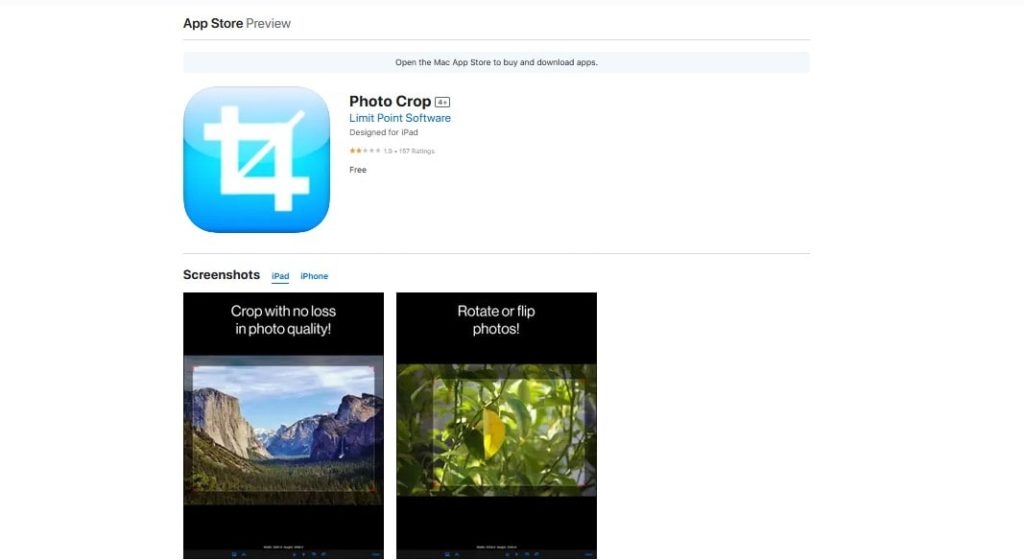
Photo Crop is an image editor and video-editing app for Android users. The app has a full set of editing features like zoom, blur, text, and more. Photo Crop offers templates for different social media including Youtube, Facebook, and Instagram.
YouCam Perfect
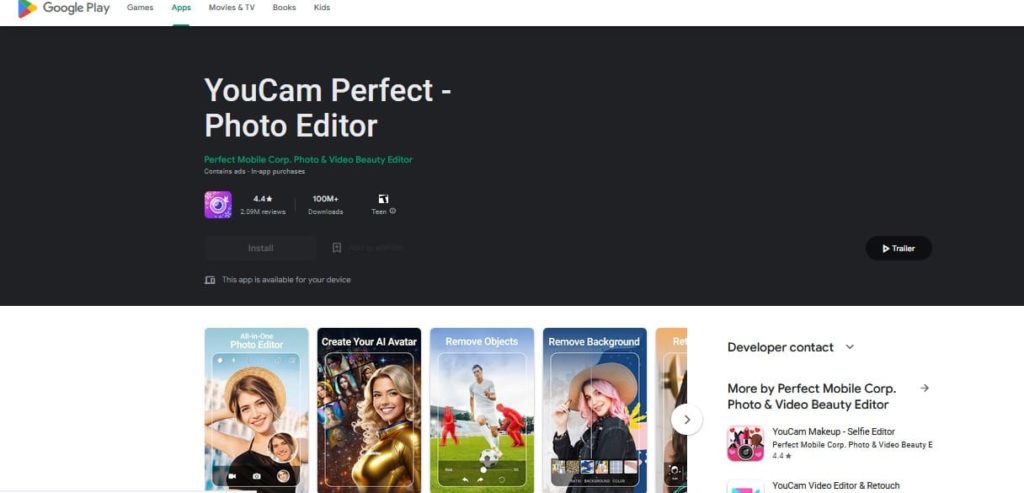
Android and iOS users can install YouCam and enjoy its beauty camera and editing tools. In fact, it is a selfie image editing tool optimized for social media like Instagram. Moreover, YouCam allows you to fit the aspect ratio of Instagram posts.
Image Size
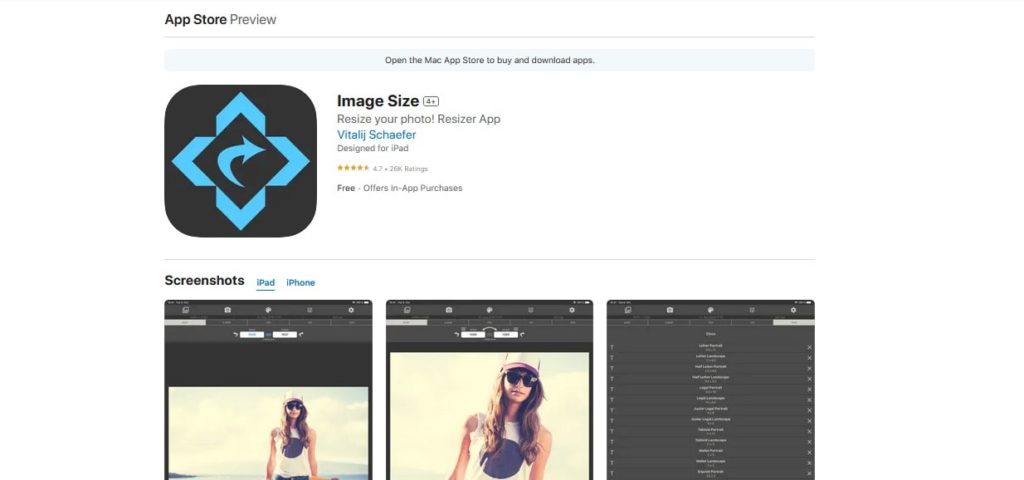
Looking for a stretch photo app on iPhone? Image Size is an easy-to-use app that lets you resize your picture to any Instagram size post. You also get the option to make the Instagram post size in inches, pixels, and other units of measurement.
FAQs
Is 1920×1080 Good for Instagram?
This dimension works for story images, reels, and IGTV. The aspect ratio for posts with this size is 9:16. So, you are allowed to use it for some types of Instagram posts.
What Happens If I Don’t Use the Recommended Instagram Post Size?
Instagram post size width and height are defined to guarantee your content. So, if you ignore the recommended dimensions, you may have to share distorted, cropped, or pixelated posts. Therefore, a poor visual experience for your followers can have a negative impact on your post’s engagement.
Can I check If my Posts Are Optimized for Instagram?
You can follow some steps to see if your Instagram post is appropriate. Here are some:
- Preview it on multiple devices, including smartphones, tablets, and desktops.
- Use the Instagram preview feature that allows you to see how your post will look in your feed before publishing.
- Pay attention to what size is an Instagram post and what makes it pixelated. Remember that a mismatched aspect ratio can negatively affect the appearance of your content.
- Test the loading speed of your post. Slow-loading posts are annoying for users.
