

Ever been excited to share something on Instagram, only to hit a roadblock that leaves you scratching your head, wondering, “Why won’t Instagram let me post?” Trust me; it happens to the best of us.
Especially if you’re an influencer, blogger or business owner not being able to post can be very frustrating, I know that
And that’s why today and in this blog, I’m diving into the nitty-gritty of common reasons behind these posting glitches and, more importantly, how to fix them.
So stay with me and let’s get started!
Why is Instagram not letting me post?
Instagram is a widely popular platform, but like any digital service, it can sometimes throw a wrench into your posting plans.
Understanding the common reasons for posting issues can help you troubleshoot and get back to sharing your moments with the world.
A. Technical Glitches
Here are some possible technical glitches that are causing the problem:
Instagram Server Issues
Instagram’s servers occasionally experience hiccups, leading to posting disruptions. During peak times or maintenance periods, these glitches may occur.
Patience is key in such situations, as the platform usually resolves these issues swiftly.
App Updates Causing Bugs
Regular updates are essential for app performance, but they can sometimes introduce unexpected bugs.
If you’re facing posting problems after an update, check for subsequent patches or wait for a fix from Instagram.
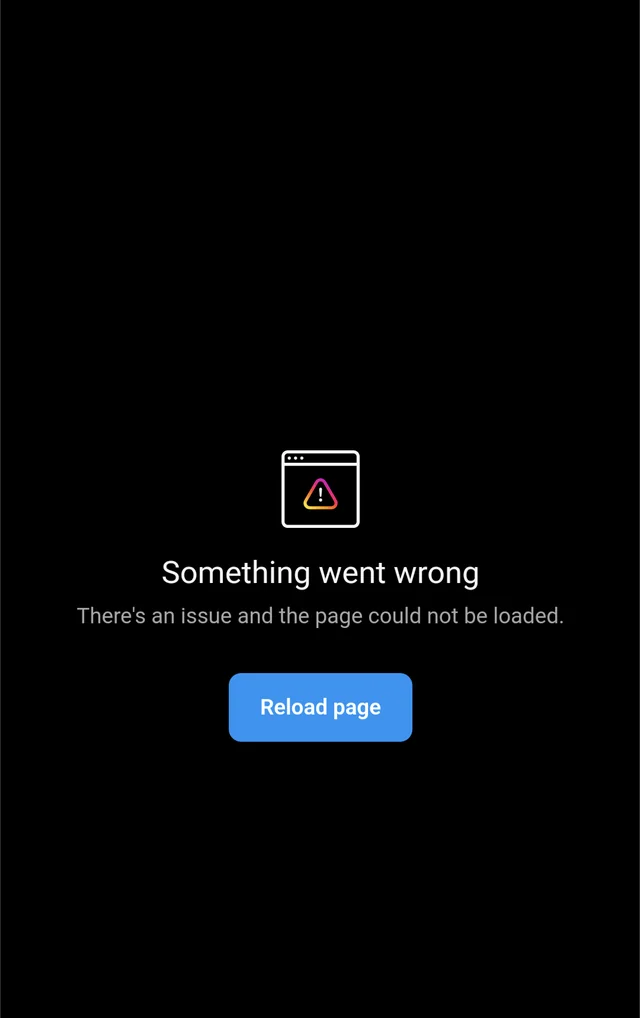
Connectivity Problems
Poor internet connection or network issues can hinder your ability to post. Ensure you have a stable internet connection, try switching between Wi-Fi and mobile data, and consider restarting your device.
Read more: Why Can’t I Post Multiple Pictures on Instagram
B. Violation of Community Guidelines
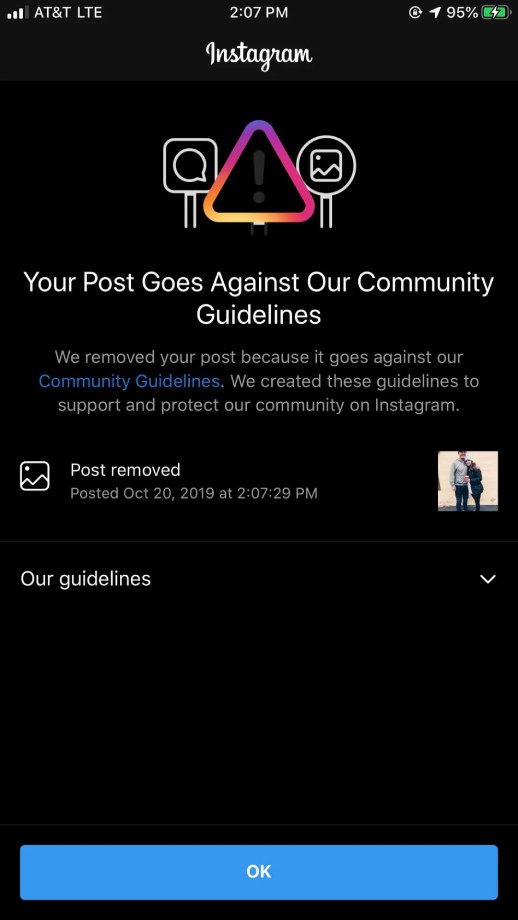
Sometimes, you may have violated Instagram terms of service and Instagram has banned your account, that’s why Instagram is not letting you post.
Overview of Instagram’s Community Guidelines
Instagram has established community guidelines to maintain a positive and safe environment. These guidelines cover a range of topics, from nudity to hate speech.
Violating these rules can result in post rejection or account restrictions.
Common Reasons for Post Rejection
Understanding specific content restrictions is crucial. Instagram’s algorithms may flag posts with explicit content, hate speech, or other violations.
Review the guidelines to ensure your content aligns with the platform’s standards.
C. Account Issues
Another reason why Instagram is preventing your posts to be shared are account Issues:
Account Suspension or Restriction
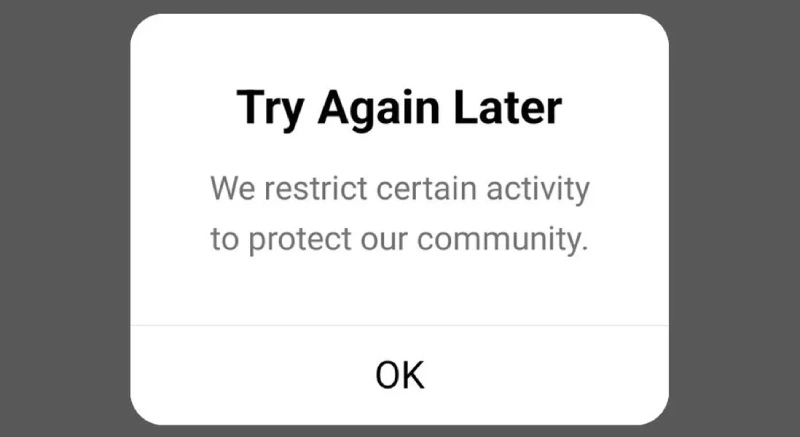
If your account is suspended or restricted, you won’t be able to post. This can happen due to repeated violations of community guidelines or suspicious activity.
Check your account status in the settings and contact Instagram support if needed.
Incorrect Account Settings
Sometimes, account settings may inadvertently restrict your posting capabilities. Verify that your account settings allow for public posts, and review any additional restrictions you may have set.
Read more: “We Restrict Certain Activity to protect our community” [6 ways to fix in 2023]
Post size or format
Instagram has specific size and format requirements for posts. If your post is too large or is in an unsupported format, it may not be able to be uploaded.
Third-party apps or extensions
If you’re using any third-party apps or extensions that interact with Instagram, they may be causing problems. Try uninstalling or disabling any such apps or extensions.
why won’t instagram let me post on my story
There are a few reasons why Instagram might not let you post to your story. Here are some of the most common:
1. Weak or unstable internet connection
If you have a slow or unreliable internet connection, you may not be able to upload your story. Try restarting your router or using a different Wi-Fi network.
2. Instagram app issues
Sometimes, there may be bugs or glitches in the Instagram app that prevent you from posting to your story. Try updating your Instagram app to the latest version. If the issue persists, you can uninstall and reinstall the app.
3. Account limitations
New accounts or accounts with recent violations may have restrictions on posting to stories. This is to prevent spam and abuse. If you’re a new account or have recently had your account restricted, you may need to wait a few days or weeks before you can post to stories freely.
Read more: Why Can’t I Tag Someone on Instagram Posts, Stories and Comments?
4. Community guidelines violations
If your story contains content that violates Instagram’s community guidelines, it may be flagged and not allowed to be published. This includes content that is hateful, violent, or sexually explicit.

5. Size or format limitations
Instagram has specific size and format requirements for stories. If your story is too large or is in an unsupported format, it may not be able to be uploaded.
6. Unsupported features
Some older devices or operating systems may not support certain features of Instagram stories. If your device or operating system is out of date, you may not be able to post to stories.
7. Temporary issues
Sometimes, Instagram may experience temporary technical issues that prevent users from posting to stories. If this is the case, there may be nothing you can do but wait for Instagram to resolve the issue.
Troubleshooting Instagram posting issue
Here are some additional tips for troubleshooting Instagram story posting issues:
- Check your internet speed: Use a speed test tool to check your internet speed. If your upload speed is slow, it may be affecting your ability to post stories.
- Close other apps: Make sure you’re not running any other resource-intensive apps in the background, as this could be using up your internet bandwidth and slowing down your ability to post to stories.
- Log out and log back in: Sometimes, logging out of your Instagram account and logging back in can resolve temporary issues.
- Clear the Instagram app’s cache: Your Instagram app’s cache can sometimes become corrupted, which can cause problems. To clear your cache, go to Settings > General > Storage > Manage storage > Instagram > Delete cache.
- Contact Instagram support: If you’ve tried all of the above and you’re still having trouble posting to your story, you can contact Instagram support for further assistance.
FAQs
Now let’s answer some frequently asked questions on this problem:
Why can’t I post on Instagram something went wrong?
There may be server issues, or your post may violate Instagram’s community guidelines.
Why won’t instagram let me post a video?
The video may be too large, in an unsupported format, or violate Instagram’s community guidelines.
Why won’t instagram let me post from my camera roll?
Your phone or Instagram app may be outdated, or your internet connection may be poor.
Final Thoughts
I hope I have addressed your problem and you have found your answer!
Instagram is a dynamic and ever-changing platform, and its posting restrictions can sometimes be frustrating.
However, by understanding the most common reasons why posts may be rejected, and by following some simple troubleshooting steps, you can usually resolve these issues and get back to sharing your content with the world.
Remember that if you’re still having trouble, there’s always the option to contact Instagram’s support team for further assistance.
