


Instagram has become a hub for captivating videos and they’re constantly improving the viewing experience. When it comes to uploading videos, Instagram supports two formats: MP4 and MOV. While both work, MP4 is the go-to choice for most users. Here you can see Instagram video formats and lengths for 2023:
- Reels: MP4 and MOV.
- In-feed videos: MP4, MOV, GIF.
- Instagram stories: MP4, MOV, GIF.
- Lives: MP4 and MOV.
Learn How long are videos on Instagram?
There are different tools and apps that help you share and access Instagram videos effortlessly. These handy resources provide you with three main services:
- Downloading the Videos.
- Converting videos to your favorite format.
- Editing videos like adding effects, text, and more.
You can select a tool based on your needs, however, most of these serve three purposes at once. In this post, we’ll explore apps or online tools that allow you to download, convert, or edit Instagram post sizes. Let’s get started!
#1. iMovie: “Instagram to MP4” App for iPhone
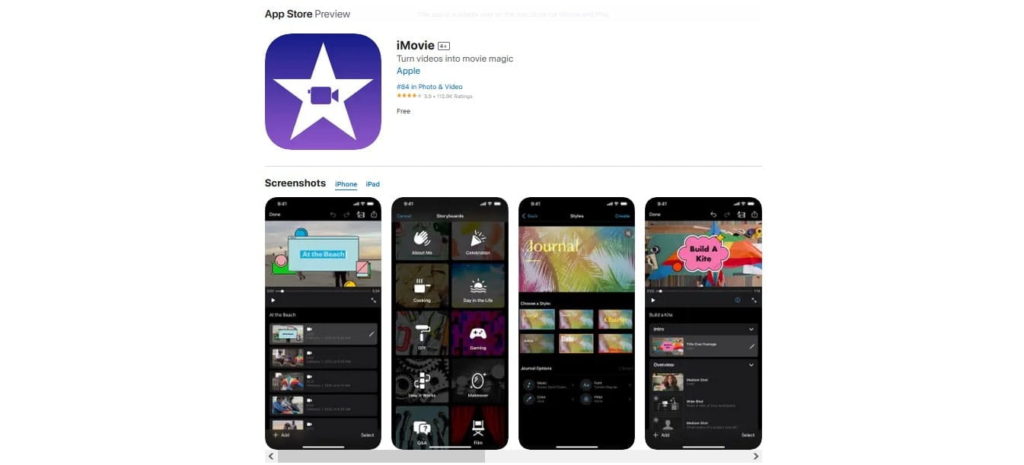
iMovie is an IG to mp4 iOS app that offers a range of exciting features. These include trailers, video effects, and the ability to import and export clips and images from other Apple software. Moreover, it helps you:
- create captivating and fun videos to share with your followers on Instagram and other social media platforms.
- Choose from a variety of video formats to save your clips.
- Preview your clips before finalizing your masterpieces.
#2. InstaVideoSave: Instagram to MP4 Convertor

Looking for an Instagram video download mp4 platform? InstaVideo is an online Insta to mp4 convertor that helps you change your IG content to different offline formats. It’s straightforward and hassle-free.
You just need to select the category of the IG element, paste the video link, and hit the download button.
With this tool, you can also download various Instagram content, including live videos, IG reels, and IG videos. Plus, it allows you to covertly view and download from other accounts.
The good news is that you can save the converted content directly to your connected device, whether it’s a PC, iPhone, or Android phone.
#3. iGram: Online Free Instagram Video Convertor

If you look for a useful app to convert Instagram reel to mp4, iGram is for you. This app lets you convert other Instagram videos like Reels, images, videos, and carousels. iGam also helps you:
- Seamlessly convert Reels content to your preferred format.
- Save pictures and videos offline for convenient access anytime.
- Easily download carousels from Instagram accounts, preserving the entire multi-image experience.
- Enjoy the flexibility of saving converted content across a wide range of devices, including phones, computers, and tablets.
Also, check out How to share youtube Videos on Instagram.
#4. AceThinker: Change Instagram to MP4

Do you need to convert Instagram link to mp4? AceThinker is a user-friendly and web-based platform that allows you to convert Instagram videos to mp4.
This tool is not limited to Instagram; you can use it for other social media channels as well. Plus, it works seamlessly on popular browsers like Chrome, Firefox, Edge, Safari, and more.
#5. Inflact: Free Instagram Video Download
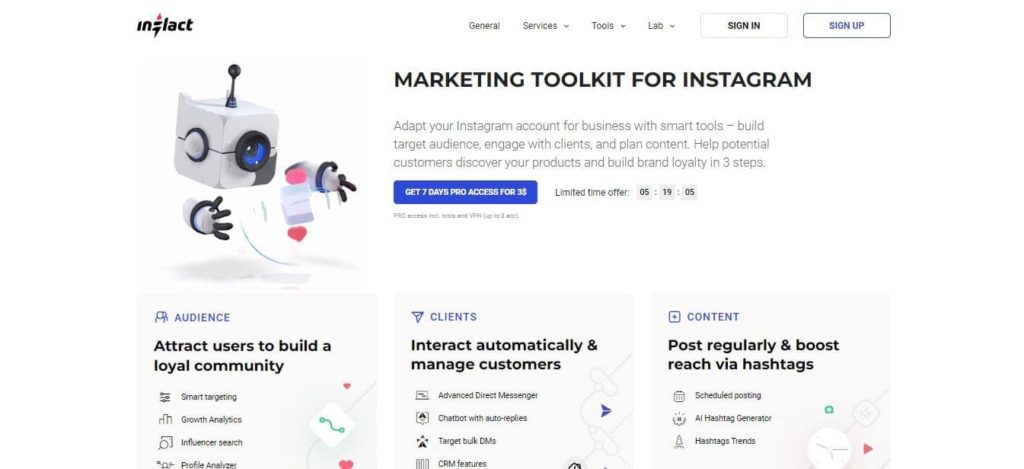
Inflact is the most comprehensive tool for Instagram story download. It also lets you easily download Reels videos and photos. Just copy the link of your favorite video and paste it into the download box. This tool allows you to upload high-quality videos on Instagram. Here are the tool’s other features:
- Inflact is free to use, but you can unlock advanced features by paying
- With the paid version, you can download multiple videos and images, as well as save videos from unlimited Instagram profiles.
- It works seamlessly on Windows, Android, and Mac systems, making it accessible to users across different platforms.
- Inflact offers a handy feature to generate hashtags.
#6. VideoHunter: Download Instagram Video Online and Free
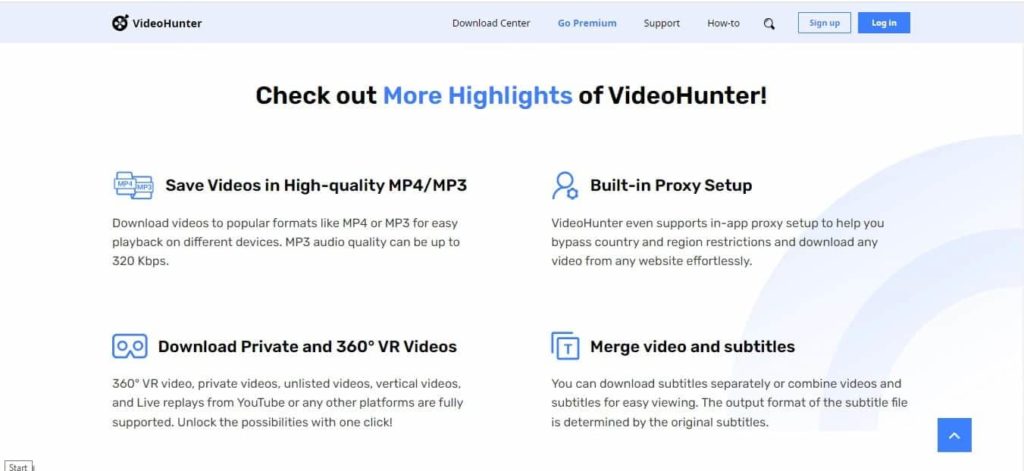
If you want to download any form of a video from Instagram, VideoHinter is a good Instagram downloader. Let’s look at what VideoHunter does for you:
- You can simply copy and paste the URL process for downloading videos from Instagram.
- It’s compatible with both Windows and Mac operating systems.
- It supports downloading videos from over 1,000 sites, including Instagram.
- This online tool provides high-quality output options, including 1080p, 4K, and even 8K resolutions.
- VideoHunter offers 6X faster download speeds for video and audio files.
- The app Includes free lifetime software upgrades to keep you up-to-date.
- User-friendly interface for a seamless downloading experience.
#7. SnapDownloader: Convert Instagram to MP3
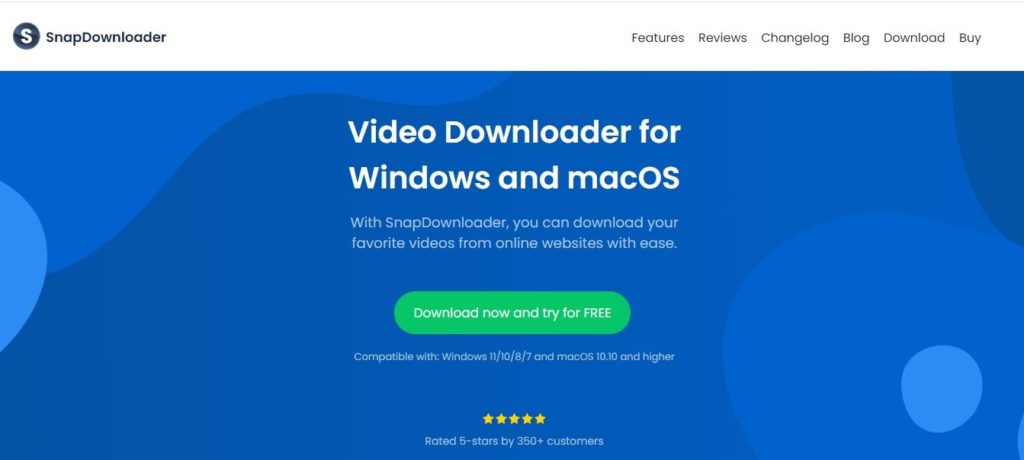
SnapDownloader is an Instagram video download mp3 that offers easy access and lightning-fast download speeds, ensuring a top-notch user experience. This online platform lets you grab videos from hundreds of websites, making it a versatile option. Here’s why it stands out:
- User-friendly interface for easy navigation.
- Supports all video file formats and even lets you convert videos to MP3.
- Downloads videos in various resolutions, including 8K, 4K, 2K, 1080p, and 720p.
- Built-in Instagram to MP3 converter for added convenience.
Can I Download Audio from Instagram Using a Link?
You can try Instagram audio download with link through online downloaders. It is a straightforward process. Just follow these steps:
- Find the Instagram post that contains the audio you want to download.
- Copy the link to the post. You can do this by tapping on the three dots (…) or the share button on the post and selecting the “Copy Link” option
- Open a web browser on your device and visit an online Instagram audio downloader website.
- Paste the copied link into the provided field on the downloader website.
- Select the audio format you want to download, such as MP3.
- Click on the “Download” button to start the download process.
- Once the download is complete, you can access the downloaded audio file on your device.
5 Best Tools for Instagram Reels Audio Downloading
Looking for a Reels audio download mp3 online website? Check this list:
- Ingramer: This website allows you to download audio from Instagram by simply pasting the post link. It supports various audio formats like MP3 and WAV.
- SaveFrom: SaveFrom is an online tool to download audio from Instagram, YouTube, and other platforms. Simply paste the Instagram post link, choose the audio format, and download with ease.
- DreDown: While primarily known for video downloads, DreDown also offers Instagram audio downloading capabilities.
- InstaDownloader: This tool specializes in downloading content from Instagram. It provides an easy-to-use interface to download audio by entering the post link and selecting the audio format.
- W3toys: As a multi-purpose online downloader, W3toys supports Instagram audio downloads. All you need to do is to input the post link, pick the audio format, and start downloading.
Use Aigrow services to improve your Instagram presence. Try free Instagram audits, mass unfollow, social monitoring, direct message services, and more. Get Started Now!
FAQs
What Is the MP4 Format for Instagram?
The best mp4 format for Instagram is the following:
- Video Codec: H.264
- Audio Codec: AAC
- Frame Rate: 30 frames per second
- Bitrate: Recommended to be at or below 3500 kbps
- Video Resolution: Maximum 1080p (1920×1080 pixels)
Can I Convert Instagram to MP4 Without Losing Original Captions or Comments?
Converting Instagram to MP4 usually focuses on visuals, not captions or comments. You can preserve the text, but it may require specialized tools. Be sure to use tools that mention caption and comment preservation explicitly.
