


Instagram Reels have taken the social media landscape by storm, offering users a fun and engaging way to share short video clips with their followers.
But what if you want to add a link to your Reel? Can you even add clickable link to instagram reel? Let’s find out throughout this blog!
can you add a link to an instagram reel
Unfortunately, no, Instagram does not currently allow you to add clickable links directly to your Reels.
However, there are a couple of workarounds you can use to indirectly link to your desired content.
Option 1: Add a link to your Instagram bio
- Create and share your Reel as usual.
- Go to your profile and tap “Edit Profile.”
- Under “Bio,” paste the link you want to share.
- Tap “Done” to save your changes.
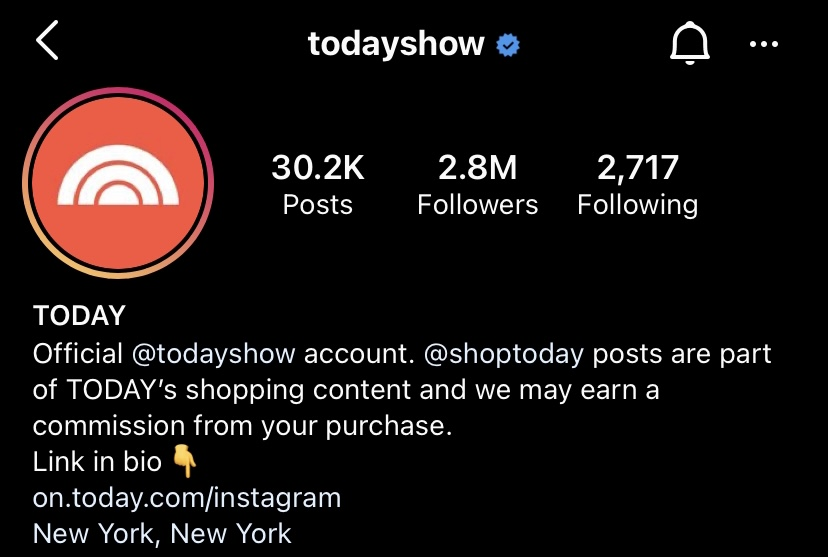
In your Reel caption, encourage your viewers to “Visit the link in my bio” to learn more or access the related content.
Read more: How To Edit Instagram Reels: A Comprehensive Guide
Option 2: Add a link sticker to your Instagram Story
- Create a new Story and add your Reel to it.
- Tap the sticker icon in the top right corner.
- Search for and select the “Link” sticker.
- Paste the link you want to share and tap “Done.”
- Resize and position the sticker as desired.
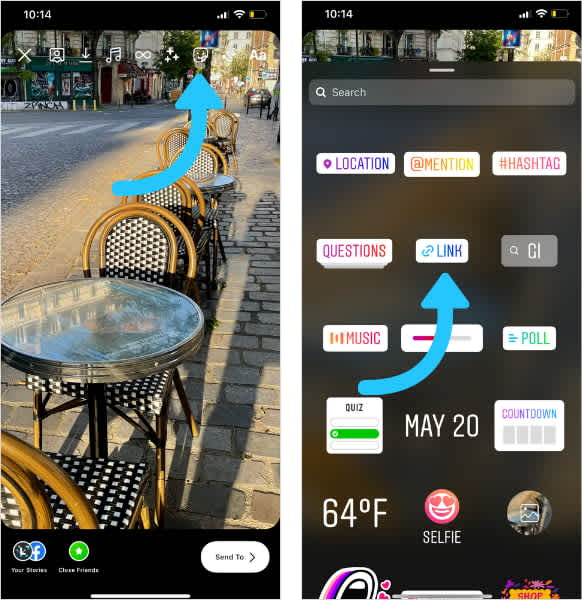
Share your Story as usual. Viewers will be able to tap the link sticker to access the linked content.
While these workarounds aren’t as seamless as directly adding links to Reels, they still allow you to guide your viewers to the content you want them to see.
Read more: Best Time to Post Reels on Instagram in 2023
Can you add product links to reels?
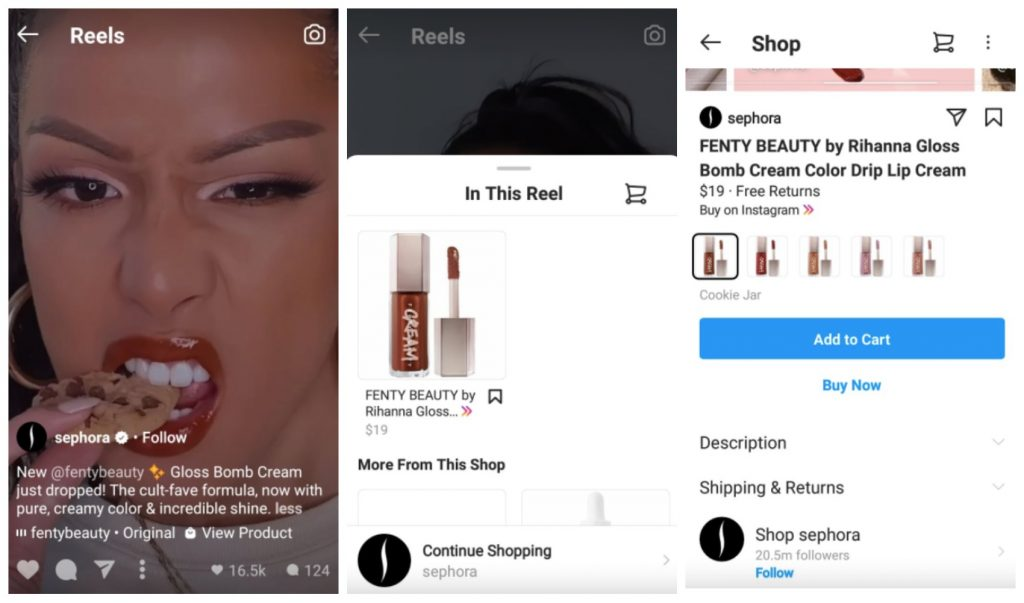
Yes, you can add product links to reels on Instagram. This feature is available to businesses and creators who have a shop on Instagram set up. To tag products in a reel, follow these steps:
- Create your reel and tap Next.
- Select a cover image and add a caption.
- Tap Tag Products.
- Tap the products you want to tag. You can tag up to 30 products or a collection.
- Tap Done.
- Tap Share to publish your reel.
When you tag a product in a reel, a link to the product will appear below the caption. Viewers can tap the link to learn more about the product and purchase it.
FAQs
Now let’s answer some frequently asked question on this subject:
Can I add clickable links directly to Instagram Reels?
Currently, Instagram does not allow you to add clickable links directly to your Reels. However, there are a couple of workarounds you can use to indirectly link to your desired content.
Can I add links to Reels that I’ve already published?
No, you can only add links to Reels that you are creating or editing.
What are the workarounds for adding links to Instagram Reels?
Add links to Instagram bio, Add a link sticker to your Instagram Story
Final Thoughts
While Instagram doesn’t currently offer direct ways to add clickable links within Reels, the workarounds mentioned in this blog provide alternative methods to connect your viewers with desired content.
By adding links to your bio or utilizing link stickers in Stories, you can effectively guide your audience to the information or resources you want them to access.
As Instagram continues to evolve, we may see features that allow for direct link insertion within Reels, but for now, these workarounds serve as effective solutions.
