

![How to View a Private Instagram Account [An Honest Answer]](https://aigrow.me/wp-content/uploads/2022/06/How-to-View-a-Private-Instagram-Account-An-Honest-Answer.webp)
As a popular social media platform, Instagram has always prioritized user privacy. Private accounts also add an extra layer of protection, allowing users to control who sees their posts, stories, reels, etc. In this blog post, I’ll explore ethical ways on how to view a private Instagram account.
So, are you ready to learn more? Let’s get started!
The Difference Between Private And Public Accounts
Instagram offers distinct privacy settings for public and private accounts. Public accounts allow anyone to view all posted content, offering a more open experience. In contrast, private accounts provide a more personal approach.
Only selected friends and followers can access the posts on a private page. To follow a private account, users must send a follow request and await approval. However, public accounts can be followed without the need for a formal request.
How to View a Private Instagram Account?
I understand your curiosity about how to view a private Instagram account. So without hesitation, let’s explore the possible methods in the following sections.
1. The Only Legitimate Way: Follow and Wait
The fundamental rule on Instagram is simple: to see the content of a private account, you must follow them and wait for them to accept your follow request.
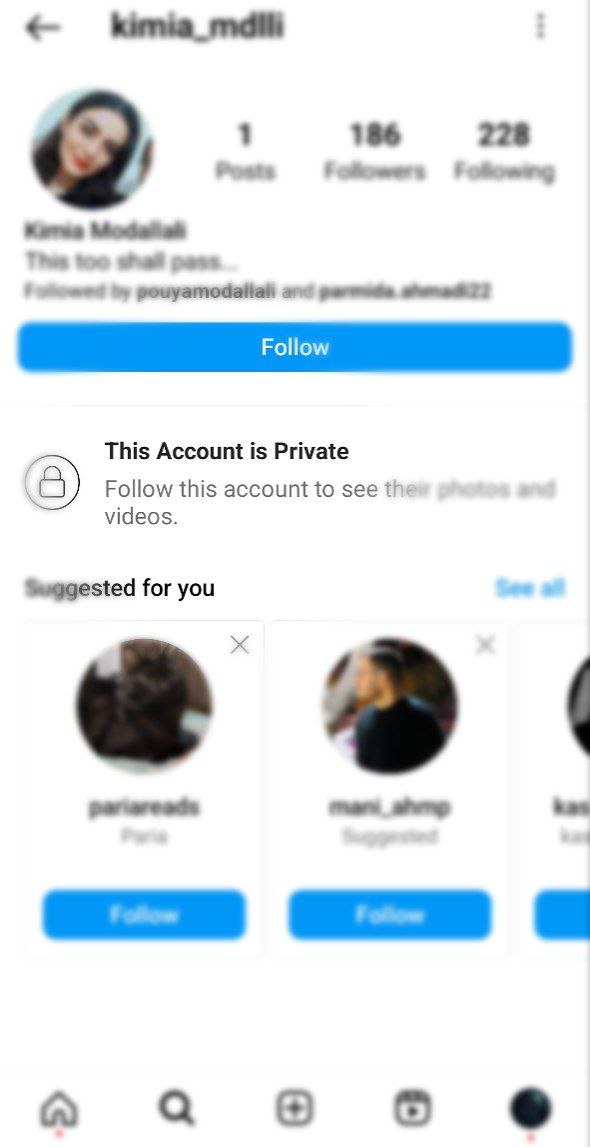
This is the only legitimate and ethical method endorsed by Instagram. Patience is key, as respecting users’ privacy is at the core of the platform’s guidelines.
2. The Risks of Third-Party Apps
While various apps claim to offer shortcuts to view private accounts, note that Instagram strictly prohibits the use of such third-party applications.
Since 2018, Instagram has been actively against these so-called “Instagram viewers“. Any attempt to use them may lead to account suspension, blocking, or being reported.
So, it’s best to avoid these apps altogether to protect your account and maintain ethical online behavior.
However, here are two apps that claim to offer the ability to view a private Instagram account:
- Glassagram
- Instalooker
Note: I tested both apps, and unfortunately, they proved ineffective. They requested additional requirements and charged a fee without delivering any specific results.
Also read about Dumpor (Instagram Story Viewer)
3. Cross-Platform Checks
Sometimes, you can gain insights into a user’s content through other platforms. Check if the user has a public account on platforms like TikTok or Facebook. If these accounts are linked, you might find similar content shared across platforms.
4. Google Search for Public Content
In certain cases, users may have public content that is searchable on Google. By entering the person’s Instagram username in a Google search, you might find publicly available posts, even if you’re blocked on Instagram.
Also Read: Best Instagram Story Viewers
This is not a guaranteed method, but it’s worth exploring if you are trying to find content from a user who might have a public Instagram profile but has blocked you.
Last Words on How to View a Private Instagram Account
Respecting others’ privacy is paramount when using social media platforms like Instagram. The best and only ethical way to view content from private accounts is to send a follow request and patiently wait for approval.
Avoid falling into the traps of third-party apps, as they not only violate Instagram’s guidelines but also pose risks to your own account. By adhering to ethical practices, we contribute to a positive online community where privacy is valued and respected.
FAQs
Now it’s time to answer some frequently asked questions regarding our topic, how to view a private Instagram account.
1. How Does a Private Instagram Viewer Work?
Private Instagram viewers claim to work by simulating user interactions, such as sending follow requests and liking posts, while using authentication and proxy servers to mask the user’s identity.
However, using these tools violates Instagram’s guidelines, risking account penalties. To respect privacy and adhere to ethical standards, it is recommended to follow the platform’s authorized methods, such as sending a follow request for private account access.
2. How to Use a Fake Account To Spy on a Private Account?
If you don’t want the other person to know that you’re following them, just create another account and send a follow request. They might accept it and this way you can see what they post on the feed.
3. Is Using a Private Instagram Viewer Safe?
Using a private Instagram viewer is not safe and goes against Instagram’s guidelines. These tools often require you to provide your Instagram credentials, which poses a significant security risk.
Additionally, Instagram actively works to detect and restrict the use of third-party apps that claim to provide unauthorized access to private accounts.
Engaging in such activities may lead to serious consequences, including account suspension, banning, or other penalties.
To ensure your safety and adhere to ethical standards, it is recommended to avoid using private Instagram viewers and to respect the platform’s policies.
4. Should I Have a Public or Private Instagram Account?
Your choice of privacy settings on Instagram depends on your usage goals. If you’re using the platform for personal reasons, like sharing photos and videos with friends, it’s best to keep your account private. This ensures the protection of your information and pictures.
However, if your aim is to promote a business, having a public profile is essential to reach a broader audience.
5. How Can I Switch My Instagram Profile from Private to Public?
To change a private profile to the public (or public to private) you can use either the application or a web browser. If you are using the application, follow these steps:
1. Go to your profile and tap the hamburger menu at the top right and choose Settings and privacy.
2. Select Account privacy.
3. Here you can turn on or off the Private account button.
